SIMULATION · SCRIPTED CONTROLLER
Your first pick-and-place
Grasp a cube, lift it, and release it inside the target.
Start here · about 15 seconds
Simulation · Real robots · Robotics data
Experiment with a robot, collect demonstrations, and test your models in simulation. Access shared real hardware when you’re ready.
No robot, installation, or sign-in needed for simulation.
From an idea to an experiment
Run an example. Replay the result.
Then make it your own.
SIMULATION · SCRIPTED CONTROLLER
Grasp a cube, lift it, and release it inside the target.
Start here · about 15 secondsSIMULATION · SCRIPTED CONTROLLER
Repeat the task with the destination on the opposite side.
A different starting setupSIMULATION · SCRIPTED CONTROLLER
Carry the cube through a wider turn before placing it.
Compare the motion and durationOur shared SO-101 is available when online. One person controls it at a time.
Research in the open
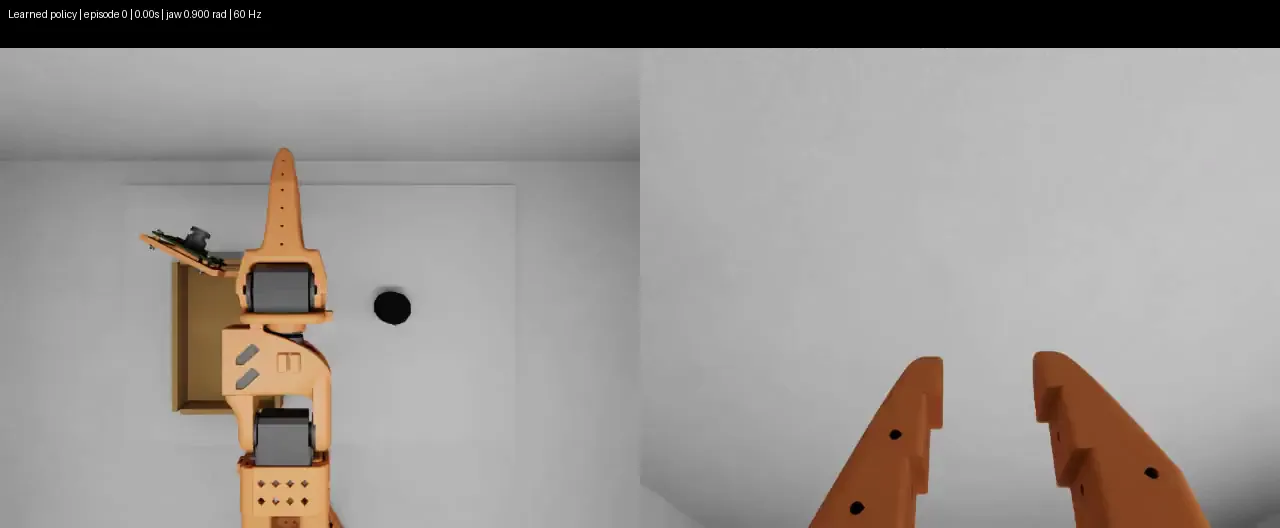
Simulation → Dataset
What we learned collecting SO-101 demonstrations in Isaac Sim and exporting them to LeRobot.
Why we’re building VeraPulse
Getting started in robotics can mean finding hardware, setting up simulation, and moving data between tools. We’re building VeraPulse for developers, students, and small research teams who want to start experimenting before they have a dedicated robot lab.
Where we’re goingOur goal is one workspace for the full experiment: create a task, collect data, train a model, and evaluate it across simulation and real robots. We’re starting with SO-101 experiments and externally hosted controllers. Hosted training, more robots, and richer environments come next.
Want to build with us? Get in touchNo. The simulation runs in a modern browser with WebGL support. You can also visit our shared physical robot through the remote console.
Recordings start in this browser. Choose “Save to workspace” while signed in to keep a selected recording in your private account and access it on another device. Signing in alone does not upload anything. Download unsaved recordings before clearing browser data.
You can collect demonstrations, save datasets, and connect a compatible controller running on your own computer or server. Test it on our simulation task and compare saved results. Direct weight uploads and hosted training are not available yet.
When the robot is available, guests enter a name for a three-minute turn. Signed-in members use their account name and have no session time limit. If someone is using the robot, everyone else waits in the same queue.